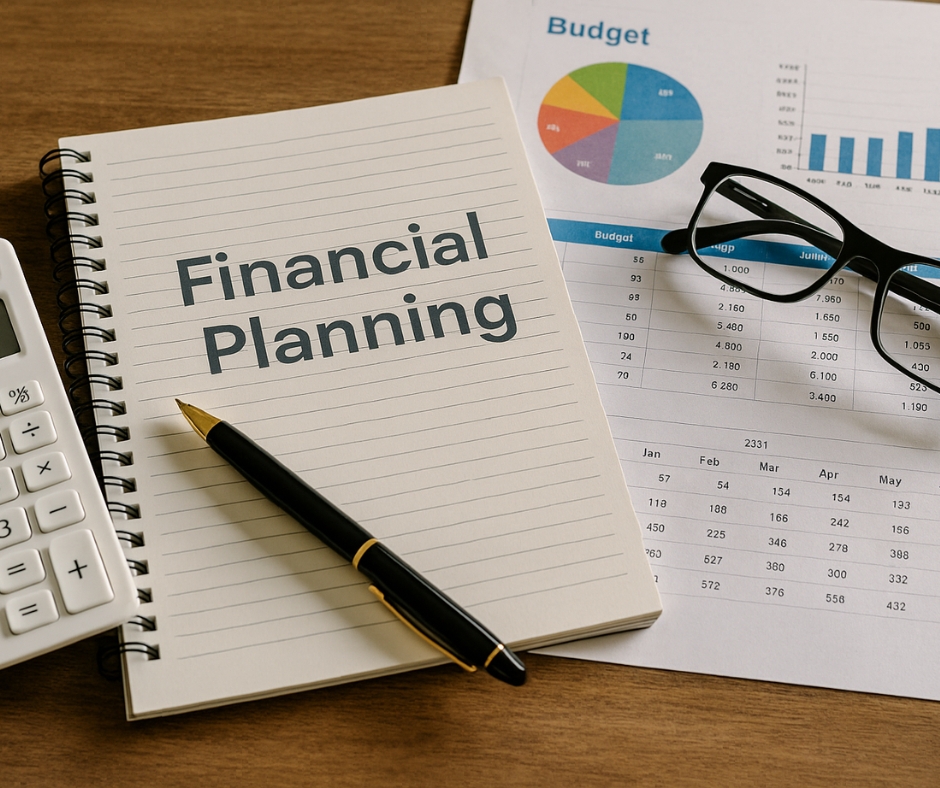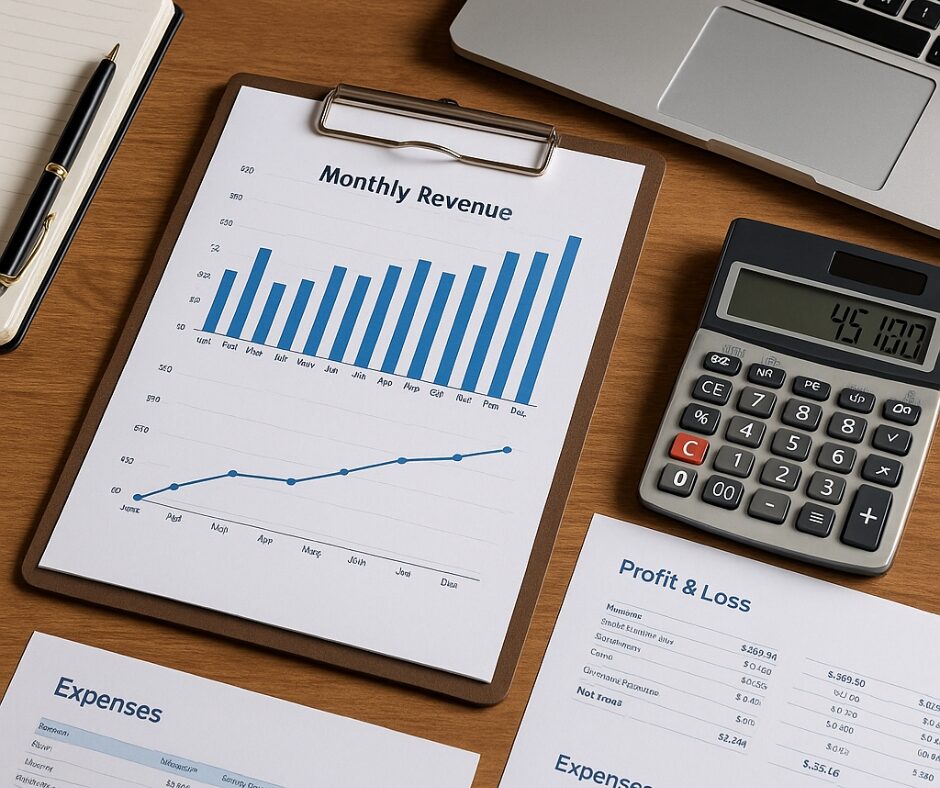

Managing your finances without a visual system in place is like trying to build a house without a blueprint. Sure, you might be able to nail some boards together, but chances are the result won’t be pretty—or sustainable. That’s where a simple financial dashboard comes in. It’s the blueprint for your business’s financial story.
When I built my first financial dashboard, I had no clue what I was doing. I used Google Sheets, scribbled in some numbers, and threw together a few charts. It was messy—but within days, it opened my eyes. I could finally see where my money was going. And more importantly, where it wasn’t.
In this post, I’ll show you exactly how to create a simple financial dashboard that works—even if you’ve never built one before.
Why a Financial Dashboard Is a Game-Changer
A simple financial dashboard is more than just a fancy spreadsheet. It’s a powerful tool that brings clarity to chaos. Most entrepreneurs have some idea of their financial health, but it’s often based on gut feeling or scattered spreadsheets.
A dashboard consolidates your most important numbers into a single view. At a glance, you’ll be able to:
- Identify income trends
- Monitor expenses
- Track cash flow
- Compare projections to actuals
- Detect potential issues before they become emergencies
I’ve seen businesses transform just by visualizing their numbers. When you actually see that software expense creeping up or your cash flow turning negative, it becomes impossible to ignore.
And when your decisions are data-backed, you make smarter, faster moves. That’s how businesses scale.
Choosing the Right Metrics for Your Dashboard
Now, not every business needs the same metrics. A solopreneur will need a very different dashboard than a retail store or a SaaS startup. That’s why it’s important to customize based on your goals.
Here are some core financial metrics that almost every business should start with:
- Total Revenue – How much money is coming in. You can break this down by product, service, or client.
- Operating Expenses – Track fixed vs. variable costs. This includes rent, salaries, software subscriptions, utilities, and more.
- Net Profit (or Loss) – Your actual earnings after all expenses.
- Cash Flow – This tells you if more money is coming in than going out.
- Outstanding Invoices – Helps you stay on top of receivables and avoid cash crunches.
- Customer Acquisition Cost (CAC) – Especially useful for marketing-driven businesses.
- Profit Margin – Reveals how efficiently your business turns revenue into profit.
📌 Tip: Start with just 3-5 metrics and expand as your business grows. Too many numbers at once will overwhelm you.
Best Tools to Build a Simple Financial Dashboard
There are tons of tools out there, but you don’t need anything fancy to get started. Here’s a breakdown of the most effective options:
Beginner-Friendly Tools
- Google Sheets or Microsoft Excel: These are free (or low-cost) and flexible. You can build tables, insert formulas, and create charts with ease.
- Notion: If you already use it for task management, Notion can be adapted for basic financial tracking with tables and databases.
Intermediate to Advanced Options
- Tiller Money: Automatically pulls in bank data into your Google Sheets and updates your financial dashboard in real time.
- QuickBooks Online / Xero: These platforms have built-in dashboards with robust reporting, great for small to mid-sized businesses.
- LivePlan: If you’re building a business plan or forecasting cash flow, LivePlan offers visually appealing dashboards that integrate with accounting software.
Whatever tool you choose, make sure it aligns with how you like to work. If you’re not a spreadsheet person, try visual drag-and-drop options like Airtable or Databox.
How to Design a Dashboard That Actually Works
The goal is clarity—not complexity. A simple financial dashboard should be easy to read and even easier to interpret.
Design Tips:
- Group metrics logically: Put revenue-related numbers together, followed by expenses, and finally net results.
- Use clean, consistent formatting: Fonts, colors, and labels should be uniform to avoid confusion.
- Incorporate charts and graphs: A line chart for cash flow, bar graph for expenses, and pie chart for spending categories work great.
- Use conditional formatting: Highlight negative trends in red, positive in green. It instantly calls your attention where it’s needed.
📌 A real example from my own dashboard: I created a red-yellow-green system. If my net profit dips below 10%, it turns yellow. Below 5%, it’s red. This visual cue helped me catch margin issues before they spiraled.
Automating Your Dashboard to Save Time
Let’s be honest—nobody wants to manually update numbers every week. Automation keeps your dashboard current and saves you hours.
Here’s how to automate effectively:
- Use tools like Zapier or Make.com to connect your payment platforms (like Stripe, PayPal, or Square) to your spreadsheet.
- Bank integrations with Tiller Money or QuickBooks allow for automatic transaction imports.
- APIs or third-party connectors can push CRM or sales data directly into your dashboard.
Even if you’re using Google Sheets, you can set up Google Apps Script to pull data from Google Analytics, Shopify, or even your invoicing tool. Don’t let the tech scare you—it’s worth learning.
Making the Dashboard Actionable (This Is the Key)
If you build it and never use it, it’s just another document. What sets a simple financial dashboard apart is its ability to drive action.
- Set a review schedule: I check mine every Monday morning. It’s my financial check-in before I plan the week.
- Tie metrics to decisions: If marketing spend rises but leads don’t increase, it’s a signal to reevaluate your campaigns.
- Build if-then triggers: If net profit falls below 10%, then pause discretionary spending.
When you review consistently, you start to see patterns. That’s when the magic happens.
Final Thoughts: Start Simple, Grow Confident
Creating a simple financial dashboard is like setting up a command center for your business. You gain visibility. You feel in control. And most importantly—you stop guessing and start leading.
I’ve seen clients go from confusion to confidence in a matter of weeks after setting up their first dashboard. And the beauty is, it doesn’t have to be perfect. It just has to be yours.
Start small. Track what matters. Review often. And tweak as you grow.
Your business deserves it. And so do you.